You are running Meta Ads and Google Ads. You have email flows set up. Maybe even SMS. But when you look at your analytics, you have no idea which channel actually drove that sale. Did the customer click a Meta ad, browse your store, leave, get an email, then come back and buy? Or did they search on Google, click an ad, and purchase immediately?
What’s in This Article
Attribution is the single biggest blind spot for Shopify store owners — and getting it wrong means you are pouring money into channels that are not working while starving the ones that are. Here is how to set up proper attribution so you can make smarter spending decisions.
Why Shopify’s Default Attribution Is Misleading
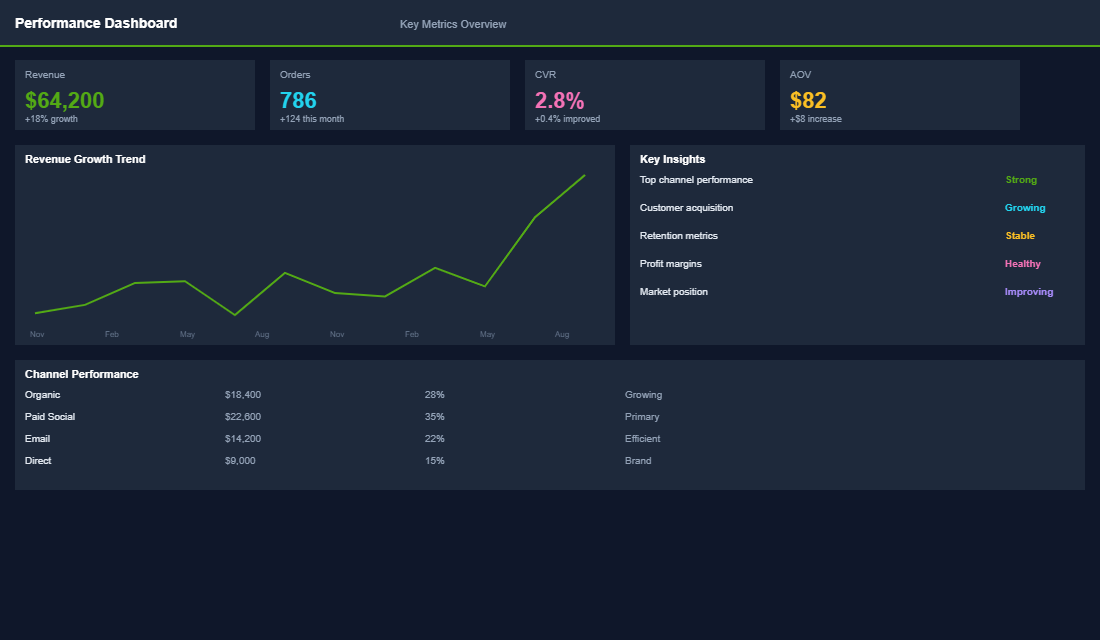
Shopify uses last-click attribution by default. This means the last touchpoint before a purchase gets 100% of the credit. If a customer discovered your brand through a Meta ad, visited three times via organic search, then clicked an email and bought — the email gets all the credit. Meta and organic get nothing.
This creates a dangerous feedback loop. You see email driving huge revenue and think “let us invest more in email.” Meanwhile, you cut Meta spend because it “is not converting” — but Meta was introducing all those customers in the first place. Cut the top of the funnel and your email revenue dries up six weeks later.
Every ad platform has the opposite problem — they over-attribute. Meta claims credit for sales that happened within 7 days of a click or 1 day of a view. Google does the same. If a customer saw both a Meta ad and a Google ad before buying, both platforms count the full sale. Add up Meta-reported revenue plus Google-reported revenue and it will be 40-60% higher than your actual Shopify revenue.
The Three Attribution Models You Need to Understand
There is no perfect attribution model. But understanding three key approaches helps you triangulate the truth:
- Last-Click (Shopify default). Credits the final touchpoint before purchase. Useful for understanding which channels close sales, but ignores everything that happened before. Best for evaluating bottom-of-funnel channels like branded search and email.
- First-Click. Credits the first touchpoint that introduced the customer to your brand. Useful for understanding which channels drive awareness and new customer acquisition. Best for evaluating top-of-funnel channels like Meta prospecting and influencer marketing.
- Linear / Data-Driven. Distributes credit across all touchpoints in the customer journey. Google Analytics 4 uses a data-driven model that weights touchpoints based on their statistical contribution to conversion. This is the closest to reality but requires enough conversion data to be reliable.
The smart approach is to look at all three and compare. If Meta looks great on first-click but terrible on last-click, it is doing its job as a prospecting channel. If email looks great on last-click but adds nothing on first-click, it is a closing channel, not an acquisition channel. Both are valuable — but for different reasons.
Setting Up GA4 Attribution Properly
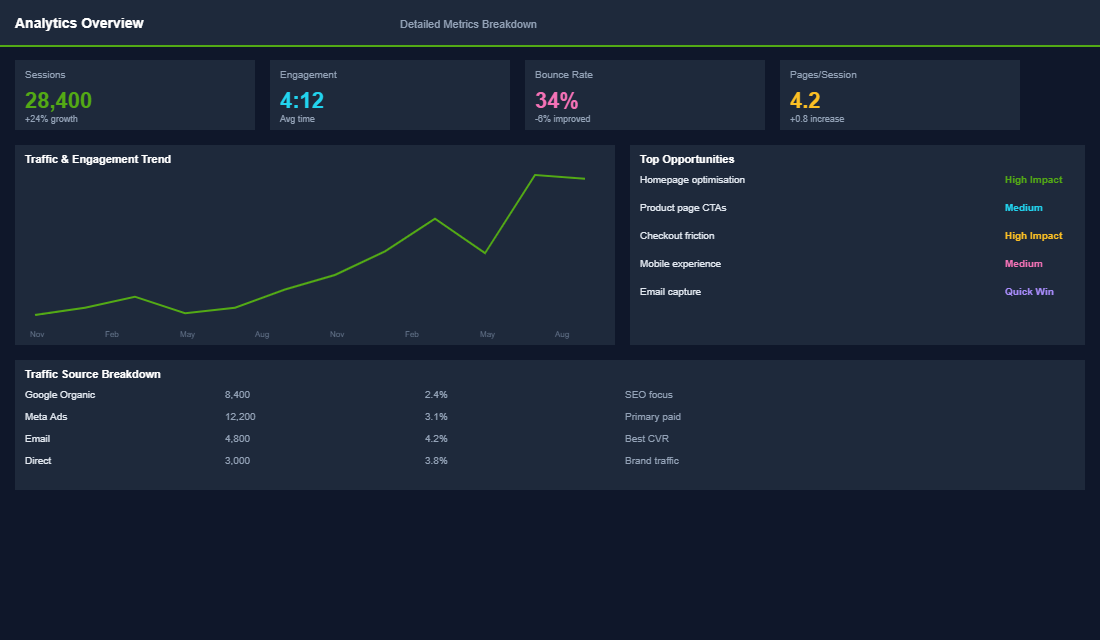
Google Analytics 4 is your best free tool for multi-touch attribution, but most Shopify stores have it set up poorly. Here is the proper configuration:
Install GA4 via Google Tag Manager. Do not use the basic Shopify integration — it misses events and does not track the full purchase funnel. Set up GTM with a proper data layer that fires events for page views, add to cart, begin checkout, and purchase. This gives you complete funnel data.
Enable Google Signals. In GA4 admin, go to Data Settings and enable Google Signals. This allows GA4 to stitch together user sessions across devices — so when someone browses on mobile and buys on desktop, GA4 connects those sessions.
Set your attribution model. Go to Admin, then Attribution Settings. Select “Data-driven” as your reporting attribution model. Set the lookback window to 30 days for acquisition events and 90 days for all other events. This gives you the most accurate picture of how channels contribute to conversions over longer buying cycles.
Use UTM parameters religiously. Every link you share — in emails, social posts, SMS, influencer content — must have UTM parameters. Without UTMs, GA4 cannot distinguish between organic social traffic and a paid influencer campaign. Use a consistent naming convention: utm_source (platform), utm_medium (channel type), utm_campaign (campaign name).
The Blended ROAS Approach
Here is the framework top Shopify brands use instead of obsessing over per-channel attribution: blended ROAS (also called Marketing Efficiency Ratio or MER).
The formula is simple: Total Revenue divided by Total Ad Spend equals Blended ROAS. If you spent $10,000 across all channels and generated $50,000 in revenue, your blended ROAS is 5x.
Track this weekly. When you increase Meta spend by $2,000 and your blended ROAS stays at 5x (meaning total revenue increased proportionally), Meta is working. When you increase spend and blended ROAS drops to 3.5x, you have hit a ceiling.
Blended ROAS cuts through the attribution noise because it does not care which channel gets credit — it measures whether your total marketing investment is efficient. Most profitable Shopify stores target a blended ROAS of 3-5x, depending on their margins.
Post-Purchase Surveys: The Attribution Cheat Code
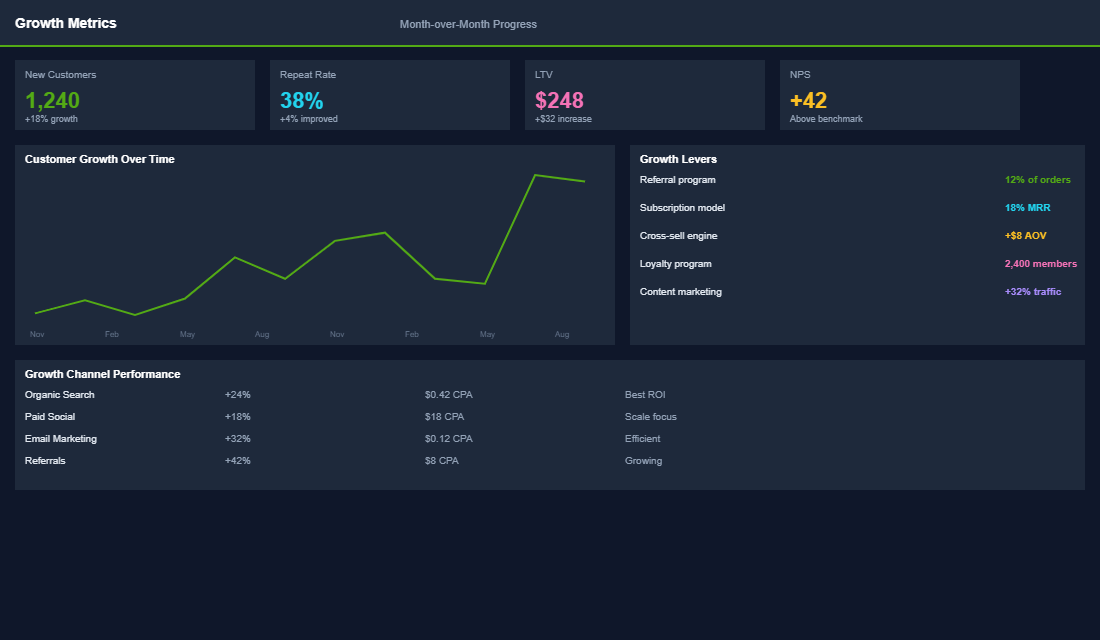
The single most underrated attribution tool is a post-purchase survey asking “How did you first hear about us?” Add this to your order confirmation page using an app like Enquire Post Purchase Survey or KnoCommerce.
This captures zero-party attribution data — the customer tells you directly how they discovered your brand. It is not perfect (people forget, misattribute, or choose the most recent touchpoint), but it reveals patterns that analytics cannot. When 40% of your customers say “Instagram” but Meta only shows 15% of conversions, you know your Meta prospecting is doing more work than last-click analytics suggests.
Use the survey data alongside your analytics data to build a complete picture. If GA4 says email drives 35% of revenue (last-click) but the survey says only 5% of customers first heard about you through email, you know email is a closing channel, not a discovery channel. Invest accordingly.
The Compound Effect of Better Attribution
Better attribution does not mean more data. It means better decisions. When you understand which channels drive awareness vs. which channels close sales, you can allocate budget with confidence instead of guessing.
One eCommerce Circle member was about to cut their Meta budget by 50% because last-click attribution showed low ROAS. After implementing proper GA4 attribution and a post-purchase survey, they discovered Meta was responsible for introducing 62% of new customers. Instead of cutting, they shifted budget from retargeting (which email was already handling) to prospecting — and grew total revenue by 24% the following quarter.
The stores that get attribution right make fewer expensive mistakes. They scale the channels that actually grow the business and stop wasting money on redundant touchpoints.
The Tools That Make Attribution Manageable
You do not need a data team to run clean attribution — you need the right stack and the discipline to check it weekly. Start with GA4 as your free source of truth, then layer a post-purchase survey tool like Fairing or KnoCommerce to capture the channels no pixel can see. If you are spending more than roughly $30k/month on ads, an attribution platform like Triple Whale or Northbeam (from around US$129-300/mo) starts paying for itself by pulling every channel into one blended view.
Pair that with Hotjar to watch how attributed traffic actually behaves on the page, and lean on Shopify’s own Analytics for the clean first-party order data underneath it all. The goal is not more dashboards — it is one number you trust enough to move budget against on a Monday morning.
Attribution Benchmarks and Signals to Watch
Attribution is never perfect, so you manage it by ranges, not certainties. Keep these numbers in your head.
- Since iOS 14.5 and ATT, Meta’s pixel under-reports conversions by 15-30%. If you optimise purely on in-platform ROAS, you are steering with a fogged windscreen.
- Post-purchase surveys pull 10-30% response rates and cover 100% of channels — including word of mouth, podcasts, and TikTok, which no pixel captures cleanly.
- 20-40% of your GA4 “Direct” traffic is actually misattributed. Treat a rising Direct bucket as a tracking problem, not loyal fans typing your URL.
- Blended MER of 3-4x is a common healthy target for DTC, but new-customer MER (aMER) is the sharper cut — it stops returning-customer revenue from flattering your ad efficiency.
- Standardise on a 7-day-click / 1-day-view window in Meta. Comparing channels on different windows is how founders talk themselves into bad budget calls.
Where Attribution Feeds the Rest of Your Growth
Attribution is not a report you file — it is the input that makes every other decision sharper. The cleanest way to cut through platform-reported noise is to manage the whole account on blended numbers, which is exactly what our Marketing Efficiency Ratio framework is built for. If your Direct bucket is bloated and your Meta numbers look thin, the fix usually lives in your server-side tracking setup — the signal iOS privacy broke is recoverable.
And once your attribution is honest, your creative decisions get honest too. When you can see which angles actually drive first orders rather than last clicks, your Meta ads creative testing stops chasing vanity ROAS and starts compounding real growth. Imagine a $200k/month store discovering that 25% of its “Direct” sales trace back to an email flow — that is a channel you were underfunding by accident, and better attribution just handed you the receipts.
Your Attribution Setup Checklist
This week, do three things. First, install GA4 via Google Tag Manager with proper ecommerce event tracking. Second, add a “How did you hear about us?” survey to your order confirmation page. Third, start tracking your blended ROAS weekly in a simple spreadsheet.
Inside the eCommerce Circle, attribution and analytics are foundational to our Performance pillar. We help members set up proper tracking, interpret the data correctly, and make budget allocation decisions that actually move the needle — because the difference between a store spending $10K/month wisely and one wasting half of it usually comes down to attribution.
If you are spending more than $3K per month on ads without a clear attribution framework, you are flying blind. Fix this first, then optimise everything else.
Inside eCommerce Circle, getting a clear read on which channels actually drive sales is one of the core pillars we work on with every member. If you want a second opinion on your attribution setup, let’s talk.