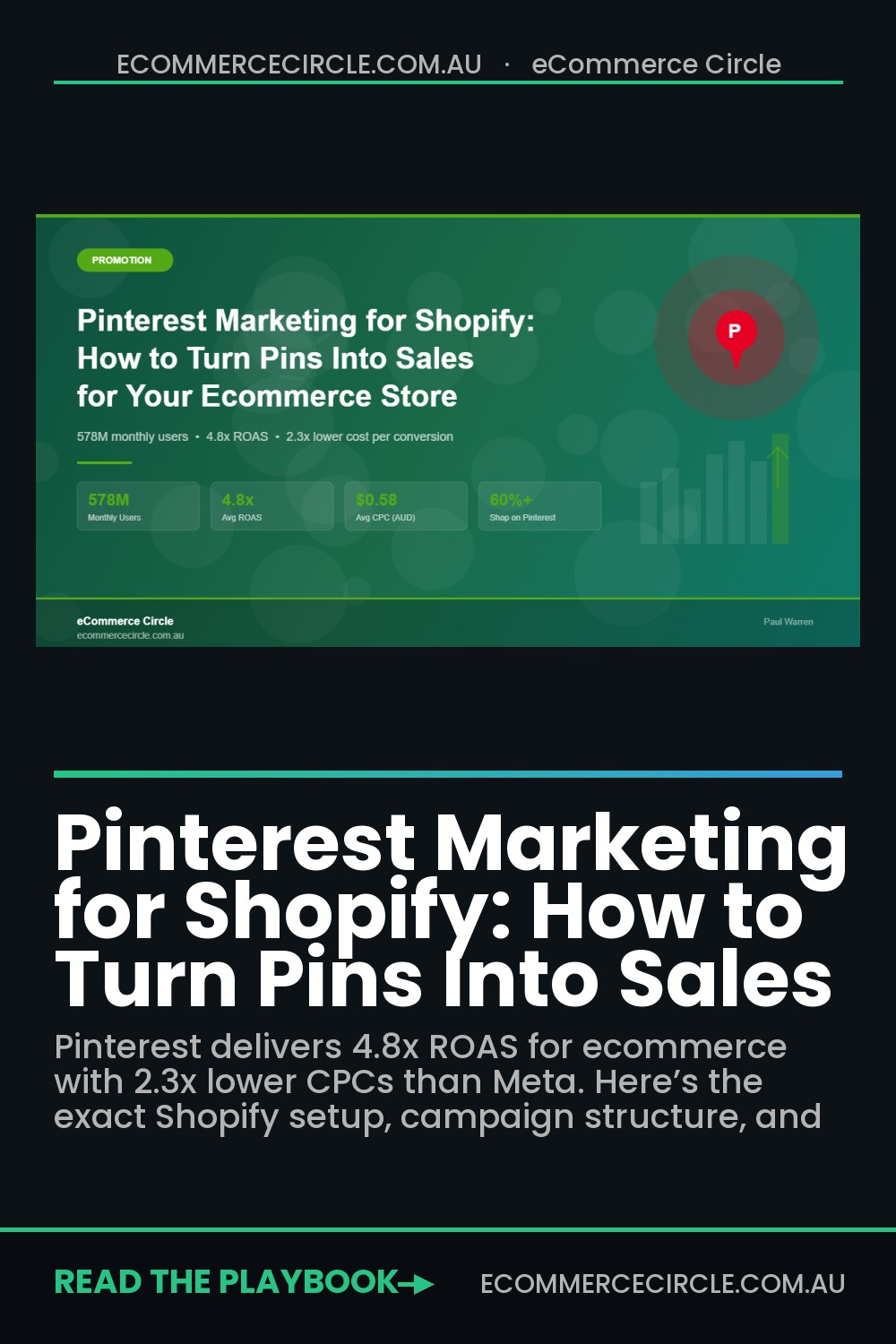
Most Shopify store owners pour their entire ad budget into Meta and Google — then wonder why customer acquisition costs keep climbing. Meanwhile, a platform with 578 million monthly active users sits almost completely untapped by Australian ecommerce brands.
What’s in This Article
That platform is Pinterest. And it’s not a social media site — it’s a visual search engine where people actively plan purchases. According to Pinterest’s own data, over 60% of users say shopping is a top priority when they open the app. Compare that to Instagram, where people scroll to be entertained, and you start to see why Pinterest delivers 2.3x lower cost per conversion than other social platforms.
The brands getting this right aren’t doing anything complicated. They’re syncing their Shopify catalog, running Shopping ads with the right structure, and letting Pinterest’s algorithm do the heavy lifting. Here’s exactly how to set it up — and why it might be the most underrated sales channel available to your store right now.
Why Pinterest Is Different From Every Other Ad Platform
Pinterest isn’t competing with Meta or TikTok for attention. It’s competing with Google for purchase intent. When someone searches “minimalist living room ideas” or “best gifts for new mums” on Pinterest, they’re not scrolling mindlessly — they’re planning to buy something.
This is the critical distinction most ecommerce brands miss. Pinterest users are further down the funnel than almost any other social platform. 75% of weekly Pinterest users say they’re “always shopping,” and 48% say shopping is their top priority on the platform. That’s not engagement — that’s commercial intent at scale.
For Shopify stores, this translates into concrete numbers. Pinterest ads achieve an average ROAS of 4.8x for ecommerce, with Shopping ads specifically delivering a 15% higher ROI compared to standard promoted pins. The average CPC sits between $0.50 and $0.70 AUD for retail brands, with cost-per-acquisition averaging $7-$8 AUD. If you’re paying $15-$25 per acquisition on Meta right now, those numbers should make you sit up.
And here’s what makes Pinterest particularly powerful for Australian brands: the competition is thin. Most Aussie Shopify stores haven’t even set up a Pinterest Business account, let alone run Shopping ads. That means lower CPCs, less auction competition, and more room to scale before the platform gets crowded.
Setting Up the Shopify-Pinterest Connection (The Right Way)
Before you spend a dollar on Pinterest ads, you need the foundation in place. This means connecting your Shopify catalog so your products automatically become shoppable Pins. Here’s the step-by-step:
Step 1: Install the Pinterest app from the Shopify App Store. It’s free. During setup, you’ll either connect an existing Pinterest Business account or create a new one. If you have a personal account, convert it to a Business account first — you need this for analytics and advertising.
Step 2: Claim your website. This verifies you own the domain and gives your Pins a link back to your store. The app handles this automatically, but double-check it’s done — go to Pinterest Settings > Claimed Accounts and confirm your Shopify URL shows with a green tick.
Step 3: Enable catalog sync. This is where the magic happens. Shopify generates a daily product feed that Pinterest pulls automatically. Every product in your store becomes a Product Pin — complete with price, availability, and a direct link to buy. When you update a product in Shopify, the Pin updates within 24 hours.
Step 4: Install the Pinterest Tag. This is Pinterest’s conversion tracking pixel. The Shopify app installs it automatically, but verify it’s firing correctly. Go to Pinterest Ads Manager > Conversions > Event History and check you’re seeing PageVisit, AddToCart, and Checkout events. Without this, you can’t optimise campaigns for conversions or build retargeting audiences.
Step 5: Clean up your product data before syncing. Pinterest relies on your Shopify product titles, descriptions, and images. If your titles are vague (“Blue Dress – S”) or your descriptions are thin, your Pins won’t rank in Pinterest search. Treat your product data like SEO — include keywords people actually search for. “Linen Wrap Dress – Navy Blue – Australian Made” is far better than “Dress #2847.”
Pro tip: sync by collection, not your entire catalog at once. Start with your best sellers, verify everything looks right, then expand. This avoids flooding Pinterest with out-of-stock items or products with poor images.
The Pinterest Ad Campaign Structure That Actually Converts
Running Pinterest ads without structure is like running Meta ads with one campaign and crossing your fingers. You need a proper funnel. Here’s the three-tier framework that works for Shopify stores:
Tier 1: Shopping Campaigns (Bottom of Funnel)
This is your moneymaker. Shopping campaigns pull directly from your synced catalog and show your products to people actively searching for what you sell. They include the product image, price, and a direct link to your product page.
Start with your top-selling collection. Set the campaign objective to “Catalog sales” and let Pinterest’s algorithm find the right buyers. Budget $80-$120 AUD per day to start — you need enough data for the algorithm to optimise. Use ROAS bidding if it’s available in your market, or target CPA bidding with your break-even CPA as the starting point.
Brands using Shopping ads report 35% higher conversion rates and 28% lower cost-per-acquisition compared to standard promoted pins. This should be your highest-spend campaign.
Tier 2: Interest and Keyword Targeting (Mid-Funnel)
These campaigns reach people who haven’t searched for your products specifically but are in the right mindset. Pinterest’s interest targeting is surprisingly precise — you can target people interested in “Australian fashion,” “sustainable homewares,” or “nursery decor” and catch them during the discovery phase.
Combine interest targeting with keyword targeting for best results. Add keywords that match how people search on Pinterest — think “gift ideas for dad,” “boho living room,” or “meal prep containers.” Pinterest keyword targeting works differently from Google — it’s broader and more intent-based, so don’t get too narrow.
Budget $40-$60 AUD per day here. These campaigns feed your Shopping campaigns by warming up audiences. Track pin saves and outbound clicks as your primary KPIs — a save rate above 2.3% and an outbound CTR above 0.4% means your creative is working.
Tier 3: Retargeting (Highest ROAS)
This is where Pinterest gets really interesting. Using the Pinterest Tag data from your Shopify store, you can retarget people who visited your site, added to cart, or viewed specific products — all within Pinterest.
Create three retargeting audiences: site visitors (last 30 days), add-to-cart abandoners (last 14 days), and past purchasers (for cross-sell campaigns). Retargeting campaigns on Pinterest consistently deliver the highest ROAS — we’ve seen 6x+ returns on retargeting spend because you’re reaching people who already know your brand, in a context where they’re actively planning purchases.
Budget $30-$50 AUD per day on retargeting. It’s a smaller audience, so you don’t need massive spend — but the returns justify every dollar.
Pin Creative That Drives Clicks (Not Just Saves)
Pinterest is a visual-first platform, so your creative needs to earn the click. But there’s a difference between a Pin that gets saved and one that drives traffic to your store. You want both — but revenue comes from clicks.
Here’s what works for Shopify product Pins:
- Use vertical images (2:3 ratio). Pinterest is a vertical feed. Horizontal images get cropped and lost. Aim for 1000×1500 pixels minimum. Your Shopify product images are probably square — create Pinterest-specific versions with lifestyle context around the product.
- Add text overlay sparingly. A short, benefit-driven headline (“Keeps drinks cold for 24 hours” or “Australian-made organic cotton”) can boost click-through. But keep it to 4-6 words — Pinterest isn’t Instagram. Let the product image do most of the talking.
- Show the product in context. A coffee mug on a white background is a product shot. That same mug on a wooden desk next to a journal with morning light streaming in — that’s a Pin people save and click. Lifestyle imagery consistently outperforms studio shots on Pinterest.
- Include pricing if it’s competitive. Product Pins show prices automatically, but for promoted pins, adding the price in the image itself creates urgency. This works especially well for sale items and gift guides.
- Create multiple Pin images per product. Pinterest rewards fresh content. Having 3-5 different Pin images for your top products means more impressions and more chances to find what resonates. Test different angles, backgrounds, and text overlays.
For CTR benchmarks, aim for above 0.5% on promoted pins and above 1% on your Shopping ads. If you’re below those numbers, your creative needs work.
How Australian Brands Are Winning on Pinterest
This isn’t theoretical — Australian ecommerce brands are already seeing results on Pinterest, even if they’re not shouting about it.
Bellroy, the Melbourne-based carry goods brand, is one of the best examples of Pinterest done right. Their approach is methodical: every Pin is keyword-optimised with search-friendly titles and descriptions, and they focus heavily on lifestyle imagery that shows their wallets, bags, and phone cases in real-world contexts. Their Pin descriptions read like mini SEO pages — natural language packed with terms people actually search for on Pinterest.
Then there’s the broader trend of Australian fashion and homewares brands discovering Pinterest as a top-of-funnel channel. Brands in the home decor and fashion niches are seeing Pinterest drive the highest save-to-click ratios — meaning the content keeps working for months after it’s first published. Unlike Meta ads that die the moment you stop spending, a well-optimised Pin can drive traffic for 6-12 months.
Internationally, the case studies are even more striking. One ecommerce brand documented a 250% increase in Pinterest-attributed sales after restructuring their catalog and running Shopping ads, while another grew Pinterest results by 155% through a systematic organic + paid strategy. The common thread? They treated Pinterest like a search engine, not a social media feed.
Organic Pinterest Strategy: The Long Game That Compounds
Paid ads will get you results fast, but organic Pinterest is where the compounding happens. A single Pin can generate traffic for months — sometimes years — after you publish it. No other social platform offers that kind of longevity.
Here’s how to build your organic presence alongside paid:
- Create 10-15 boards aligned with your product categories and customer interests. If you sell skincare, your boards might include “Morning Skincare Routine,” “Natural Beauty Tips,” “Australian Skincare Brands,” and “Gift Sets for Her.” Each board should have a keyword-rich description.
- Pin consistently — aim for 5-10 pins per day. Use a scheduling tool like Tailwind (which has a direct Pinterest partnership) to maintain consistency without manual daily effort. Mix your own product Pins with relevant repins from complementary brands.
- Optimise every Pin description for Pinterest search. Include your primary keyword in the first sentence, add 2-3 related keywords naturally, and write 2-3 sentences that describe the Pin’s value. Think of it like writing a Shopify SEO meta description — concise, keyword-rich, and benefit-focused.
- Use Pinterest Trends to time your content. Pinterest Trends (trends.pinterest.com) shows you what’s being searched right now and what’s trending. If “winter outfit ideas” is spiking, that’s your cue to push relevant product Pins. Seasonal content performs especially well — start pinning for Christmas in September, EOFY sales in April.
- Enable Rich Pins. If you’ve connected the Shopify Pinterest app, your Product Pins are already Rich Pins — they pull live pricing, availability, and product descriptions directly from your store. This keeps your Pins accurate and drives higher click-through rates.
Measuring What Matters: Pinterest Analytics for Shopify
Pinterest gives you solid analytics, but you need to know which numbers actually matter for ecommerce. Here’s the dashboard you should be checking weekly:
- Outbound clicks. This is the metric that counts — how many people clicked through to your Shopify store. Impressions and saves are vanity metrics unless they’re driving clicks. Target 0.4%+ outbound CTR.
- Save rate. A save means someone is planning to come back. High save rates (2.3%+) indicate your content resonates and will continue driving traffic over time.
- Conversion rate (via Pinterest Tag). Track add-to-carts and purchases attributed to Pinterest traffic. Compare this to your overall store conversion rate — Pinterest traffic should convert at 1%+ if your product pages are optimised. Check out our guide on building email funnels to capture Pinterest traffic that doesn’t convert immediately.
- ROAS on paid campaigns. Your Shopping campaigns should target 4x+ ROAS. Retargeting should be 5x+. If you’re below 3x, review your creative, targeting, or product page experience.
- Top converting Pins. Identify which Pins drive the most revenue and double down. Create variations of your winners — different images, different text overlays, different boards.
Cross-reference your Pinterest analytics with your Shopify analytics. In Shopify, go to Analytics > Acquisition and filter by Pinterest to see revenue, conversion rate, and average order value from Pinterest traffic specifically. This gives you the full picture that Pinterest’s native analytics sometimes misses.
The Pinterest Ads Launch Checklist
Before you launch your first campaign, run through this checklist. This is exactly what we use when setting up Pinterest for eCommerce Circle members:
- Pinterest Business account created and verified
- Website claimed in Pinterest settings
- Shopify Pinterest app installed and catalog syncing
- Pinterest Tag installed and firing correctly (check Events Manager for PageVisit, AddToCart, Checkout events)
- Product titles and descriptions optimised with Pinterest-friendly keywords
- At least one collection synced with 20+ products
- 5+ lifestyle Pin images created for your top products (2:3 ratio, 1000x1500px)
- 10 boards created with keyword-rich titles and descriptions
- Retargeting audiences set up (site visitors, add-to-cart, purchasers)
- Shopping campaign created with $80+/day budget on your best-selling collection
- Weekly reporting scheduled — check outbound clicks, save rate, ROAS, and top converting Pins every Monday
How Pinterest Fits Into Your Broader Marketing Mix
Pinterest isn’t a replacement for Meta or Google. It’s the missing layer most Shopify brands don’t have — a high-intent discovery channel that fills the gap between “I’m browsing” and “I’m ready to buy.”
Here’s how it compounds with your other channels:
- Pinterest + Meta Ads: Use Pinterest for top-of-funnel discovery and Meta for retargeting. People who discover your brand on Pinterest and then see your Meta ad convert at significantly higher rates because they’ve already shown intent.
- Pinterest + Email: Capture Pinterest traffic with a strong opt-in offer, then nurture them through your email and ad funnel. Pinterest visitors are planners — give them a reason to stay connected.
- Pinterest + SEO: Pinterest Pins are indexed by Google. A well-optimised Pin can rank in Google Image Search, driving additional organic traffic you wouldn’t get otherwise. It’s double the SEO for the same content effort.
- Pinterest + Content Marketing: Your blog posts, gift guides, and buying guides are perfect Pinterest content. Every article you publish should have a vertical Pin image that links back to the post.
The brands we see scaling fastest are the ones treating Pinterest as part of an integrated system, not an isolated experiment. When your Pinterest Shopping ads are feeding warm audiences to your Meta retargeting, which feeds your email sequences, which drives repeat purchases — that’s when the real growth happens.
Start Small, Scale What Works
You don’t need to go all-in on Pinterest tomorrow. Start with the basics: connect your Shopify catalog, run a single Shopping campaign on your best-selling collection, and give it 30 days of data. If you’re seeing 3x+ ROAS after the first month, you’ve got a channel worth scaling.
The window of opportunity for Australian Shopify brands on Pinterest is still wide open. CPCs are lower than Meta, competition is thinner, and the audience is actively looking to buy. The brands that move now will have a significant advantage when the platform inevitably gets more crowded.
Inside the eCommerce Circle, Pinterest strategy is one of the Promotion pillars we work on with every member — from catalog setup to campaign structure to scaling past $10K/month in Pinterest-attributed revenue. If you want hands-on help getting it right, let’s talk.