Social commerce, buying products directly through social media platforms, is growing at 3x the rate of traditional ecommerce. Facebook and Instagram Shops let your customers browse your products, save items to wishlists, and purchase without ever leaving the app. And for most Shopify stores, this channel is either completely ignored or set up so poorly it might as well be.
What’s in This Article
The opportunity is massive. Instagram alone has over 10 million monthly active users in Australia, and 44% of them use the platform to shop weekly. When your products are properly set up in Facebook and Instagram Shops, every piece of content you post becomes a potential storefront. A lifestyle photo becomes a shoppable catalogue. A Reel becomes a product demo with a buy button.
The brands that are winning in social commerce are not doing anything revolutionary. They are simply connecting their Shopify catalogue properly, tagging products consistently, and optimising the discovery-to-purchase path. Here is exactly how to set it up and make it sell.
Setting Up Facebook and Instagram Shops Through Shopify
The setup process starts in Shopify with the Facebook & Instagram sales channel app. Install it from the Shopify App Store, connect your Facebook Business Manager account, and sync your product catalogue. The app automatically pushes your products, prices, inventory levels, and images to Meta’s Commerce Manager.
Before syncing, make sure your product data is clean. Every product needs a high-quality primary image (square format, 1024x1024px minimum), a compelling title, an accurate price, and a description that reads well on a small screen. Products with missing images, generic titles like “SKU-4827,” or empty descriptions will be rejected or perform terribly.
Once your catalogue is synced, set up your Shop layout in Commerce Manager. Curate collections that make browsing easy: “New Arrivals,” “Bestsellers,” “Under $50,” and seasonal collections. The default “All Products” dump is overwhelming, curated collections convert 2-3x better because they reduce decision fatigue.
Enable checkout options. In Australia, most Shopify stores will direct customers to their Shopify checkout (in-app checkout is limited to US sellers). Make sure this redirect is smooth, the product page should load fast, with the same product already selected and ready to add to cart. Any friction in this handoff kills conversions.
Product Tagging Strategy: Turning Every Post Into a Storefront
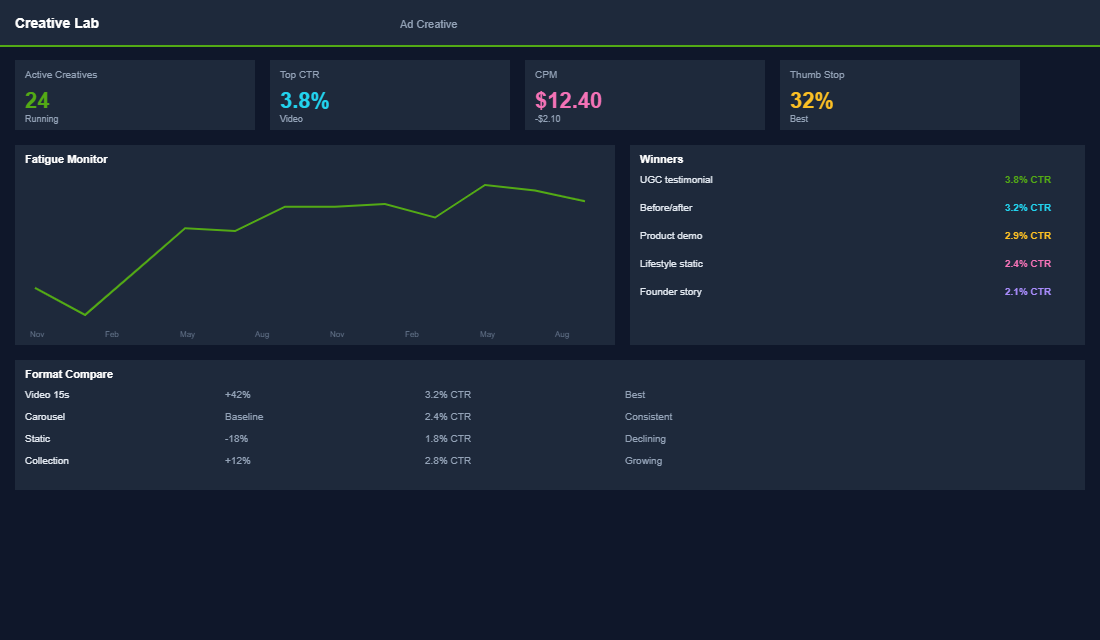
Product tagging is where social commerce comes alive. Every time you tag a product in a post, Story, or Reel, you create a direct path from content to purchase. The brands getting results from social commerce tag products in 80-90% of their content, not occasionally, not sometimes, nearly every post.
Tag products in feed posts (up to 5 per image, 20 per carousel), Stories (using the product sticker), and Reels (tag in the caption). Carousel posts with multiple tagged products generate 2.2x more product page visits than single images because customers can browse multiple options in one swipe.
The type of content matters. Lifestyle images, products being used in real settings by real-looking people, drive 20-30% more tag taps than studio product shots. User-generated content performs even better, with tap rates 40-50% higher than brand-created content. When a customer shares a photo wearing your product and you repost it with product tags, you get social proof and shoppability in one post.
Stories with product stickers are particularly powerful for driving immediate action because of the ephemeral nature, the 24-hour window creates natural urgency. Use Stories for flash sales, new arrival reveals, and behind-the-scenes content with tagged products. The swipe-up/link sticker combined with a product tag gives customers two paths to purchase.
Optimising the Social Commerce Funnel
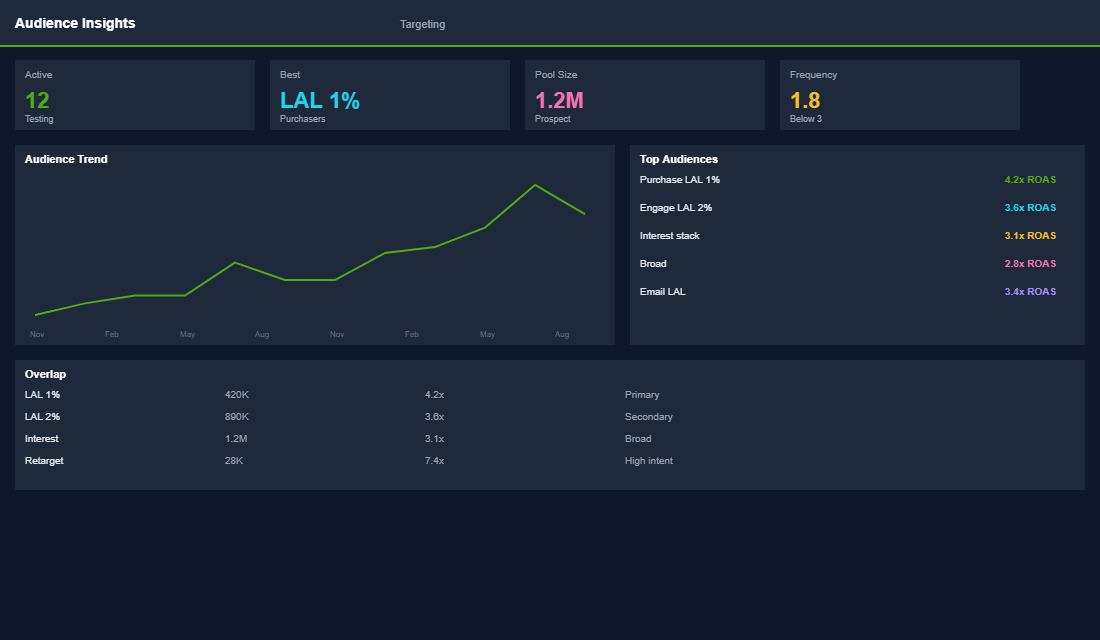
The social commerce conversion funnel has a unique challenge: you are interrupting someone who was scrolling for entertainment, not shopping. Your funnel needs to be frictionless because any bump in the road sends them back to scrolling cat videos.
Speed is everything. When someone taps a product tag, the product page needs to load in under 2 seconds. If your Shopify store is slow, you are losing social commerce sales. Optimise your product page load time specifically for the social commerce entry point, these visitors have even less patience than organic traffic.
Enable accelerated checkout options. Apple Pay and Shop Pay let customers complete a purchase with a single tap, no typing addresses, no entering card numbers. For social commerce where impulse drives purchases, one-tap checkout can double your conversion rate compared to standard checkout.
Show social proof on your product pages. When a customer arrives from Instagram, they are in a social context. Seeing star ratings, review counts, and customer photos reinforces their purchase intent. If possible, show Instagram UGC directly on your product page, tools like Loox or Okendo can pull in tagged customer photos.
Make your shipping and returns information visible immediately. Social commerce shoppers are often first-time visitors who do not know your brand yet. Clear free shipping thresholds, return policies, and delivery timeframes build the trust needed to convert a browser into a buyer.
Content Strategy for Social Commerce
Your content strategy needs to serve two audiences simultaneously: your existing followers (brand building and engagement) and new discoverers (product education and social proof). Here is the content mix that drives both engagement and sales:
- Product-in-action content (40%). Lifestyle imagery and video showing your products being used. Style guides, outfit ideas, how-to demonstrations, and day-in-the-life content. Always tagged with products.
- User-generated content (25%). Repost customer photos, unboxing videos, and reviews. Tag the featured products. This is your highest-converting content type because it combines authenticity with shoppability.
- Behind-the-scenes content (15%). Manufacturing process, team introductions, packaging reveals, new product development. Builds brand connection and trust. Tag relevant products where natural.
- Educational content (10%). Tips, tutorials, and advice related to your product category. Positions your brand as an authority. Tag products that relate to the advice given.
- Promotional content (10%). Sales, new launches, limited editions. Keep pure promotional content to a minimum, if every post screams “BUY NOW,” followers disengage.
The Tools That Make Social Selling Actually Work
You can run a social shop with nothing but Shopify and Meta. But a few well-chosen tools turn a manual chore into a system that mostly runs itself.
- Shopify’s Facebook and Instagram channel. The backbone. It syncs your catalogue, keeps prices and stock accurate, and pipes orders back into Shopify so you are not managing inventory in two places.
- Meta Commerce Manager. Where you fix the catalogue issues that quietly kill reach: rejected products, missing GTINs, low-resolution images. Check it weekly.
- ManyChat. Automates Instagram DM replies, so a comment like “price?” triggers an instant message with the product link. Brands using DM automation routinely see reply-to-sale rates that beat standard post engagement.
- Later or Planoly. Schedule shoppable posts in advance and tag products in bulk, so social selling does not depend on you being online at the right moment.
- Tolstoy or Videowise. Bring shoppable video onto your store and tighten your collection page structure, closing the loop between the content that hooked them on Instagram and the page that converts them.
The goal is not more tools. It is removing the friction between a customer seeing a product in their feed and that product landing in a cart. Every manual step you automate is a sale you stop losing.
Social Commerce Benchmarks: What Good Looks Like
Numbers keep you honest. Here is roughly what a healthy Aussie social commerce setup looks like, so you know whether you are winning or just busy.
- Catalogue health above 95%. If more than 1 in 20 products are rejected or missing data in Commerce Manager, you are invisible to a chunk of shoppers before you start.
- Instagram Shopping tap-through of 1 to 3%. Of the people who see a shoppable post, this share should tap a product tag. Below 1% usually means weak product photography or tags buried in the wrong posts.
- Social-attributed revenue of 5 to 15% of total. For most stores social should be a meaningful slice, not a rounding error. Under 5% means the funnel is leaking somewhere between content and checkout.
- A return customer rate that climbs. Social is brilliant at first touch, but the money is in the second and third order. Plug it into a proper retention engine like a win-back flow so the audience you built keeps buying.
Checkout on Meta, or Send Them to Your Store?
One decision trips up a lot of founders: should customers buy inside Instagram and Facebook, or tap through to your Shopify store to check out? Both have a place.
- On-platform checkout removes friction and can lift impulse conversion, because the buyer never leaves the app. The trade-off is you collect less first-party data and lose control of the post-purchase experience.
- Sending them to your store gives you the email, the upsell, the branded confirmation, and entry into your flows. For most Aussie brands focused on lifetime value this wins, because owning the customer relationship is worth more than shaving seconds off checkout.
If you are unsure, route traffic to your store and make sure those landing experiences are tight. A shoppable post is only as good as the product page it sends people to.
The Compound Effect of Social Commerce
When social commerce is working, it creates a flywheel. Engaging content drives followers. Product tags convert followers into customers. Customers create UGC that you repost. That UGC drives more engagement and more conversions. Each cycle amplifies the next.
One eCommerce Circle member went from zero social commerce revenue to $8,600/month within 4 months simply by connecting their Shopify catalogue properly and committing to tagging products in every post. Their social following grew 40% in the same period because shoppable content actually gets more engagement, Instagram’s algorithm favours posts that keep users on the platform, and Shop features do exactly that.
Social commerce strategy is part of the Promotion pillar inside the eCommerce Circle. We help members connect their catalogues, develop content strategies, and optimise the social-to-purchase funnel for maximum conversion. If your social media presence is not generating sales, we can help you build the system that changes that. Let us have a chat about your social commerce opportunity.
Inside eCommerce Circle, turning social browsers into buyers is one of the Platform plays we work on with members, alongside the rest of the More Orders Operating System. If you want a second opinion on your setup, let’s talk.